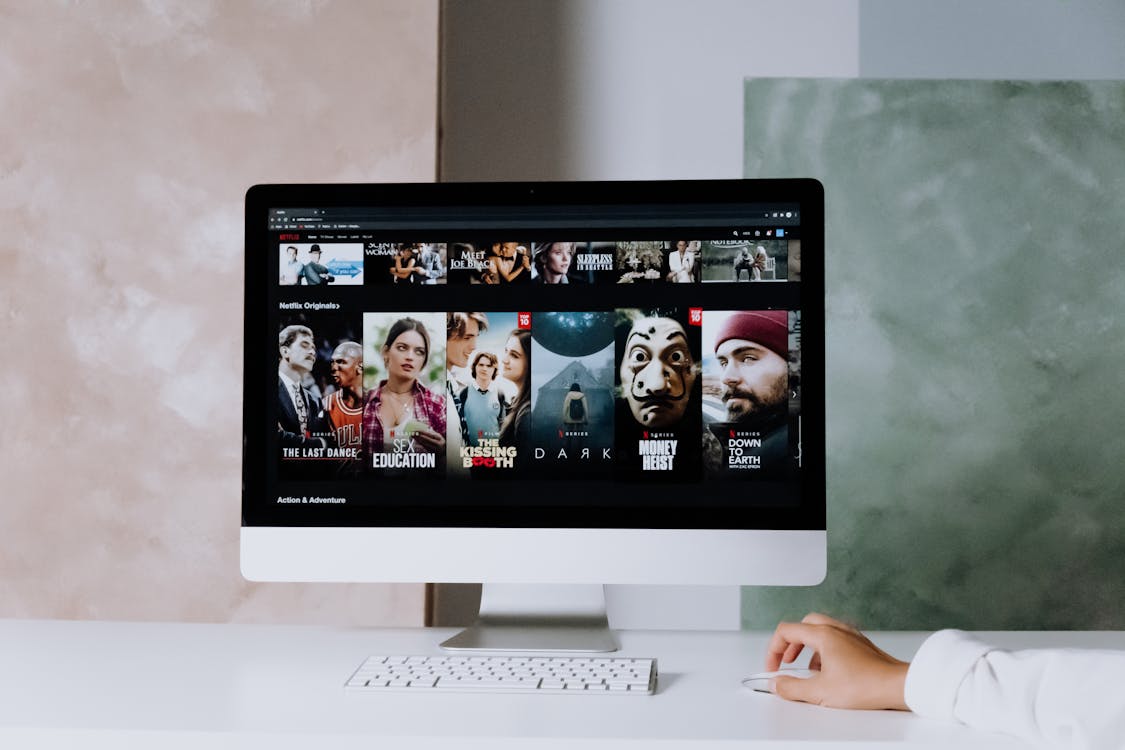
Most people prefer staying at home to watch movies over the weekend. With a wide range of streaming services available in the US, it has become easier to binge-watch our favorite TV shows, documentaries, stand-up comedies, and movies without stepping out of our comfort zones. All you need to do is sign up for your preferred streaming plan on Netflix, Hulu, etc. and you will get access to thousands of videos for entertainment.
The best thing about subscribing to streaming services is that they require you to pay a pocket-friendly price once a month without charging additional fees or taxes. In addition, you get access to all genres of movies and TV shows just a tap away! However, the only downside is that your internet speeds determine your streaming experience. If your download speeds are good enough, you will not have to wait for your favorite movie to load for minutes before streaming. But, if your download speeds are low, it may disrupt your streaming, causing buffering or bad video quality.
So, if you are experiencing internet slowdowns, which may interfere with your movie streaming on Netflix or Hulu, here are some of the ways to fix your slow internet:
Remove Unused Devices Connected to Your Network
Your slow streaming service may indicate that your network has many devices connected to it. For example, if you have multiple family members or roommates who have access to your internet connection, it can slow down your internet. In such situations, it is better to limit the number of devices connected to your network as they can have a huge impact on your bandwidth.
There is a chance that your neighbors or guests are still connected to your Wi-Fi network, which is causing your internet connection to slow down. Similarly, the number of devices on your network may exceed, disrupting your router’s capacity to deliver high speeds. Since it can be difficult to remove every unused device connected to your Wi-Fi network, you should consider logging into your router’s admin panel to remove such devices. Alternatively, you can simply change your Wi-Fi password to get rid of all the unnecessary devices connected to your network.
Relocate Your Router or Modem
Sometimes, your router or modem’s location and position can affect the speeds you get. To improve your speeds and signal strength, consider relocating your router or modem. Find a central location in your home or office that allows signals to transmit to every room. Make sure your router is placed horizontally on a flat surface that allows its antennas to point upwards. You can also point one of the antennas upwards and the other to the side.
Switch to another Frequency Band
Most wireless internet routers have the option to switch to another frequency band, depending on your online needs. For example, if your router is set on the 2.4 GHz band, you can change it to a 5 GHz band for faster speeds within short distances. On the other hand, if your router is using the 5 GHz band to deliver slow speeds to your device, consider setting it to the 2.4 GHz band for better network coverage.
However, you need to understand that some devices are compatible with the 2.4 GHz band only, whereas other devices may support both, 2.4 GHz and 5 GHz frequency bands. So, make sure that your device has the potential to run on your chosen frequency band.
Keep Your Devices and Apps Updated
If you are experiencing slow speeds while using streaming services, it may be the result of outdated software. So, if you haven’t updated your device or streaming apps for a while, you should consider updating them regularly. This way, you can ensure that your apps and devices avoid slowdowns in the future. To save your time, it is better to go to your device or app settings and turn on the option to allow automatic software updates on your device.
Switch to a Fiber Internet Plan
If you have tried all the options listed above, but your streaming service is still running slow, then it’s time for you to sign up for a fiber internet connection.
Fiber transmits signals at the speed of light, which makes it the fastest and most reliable internet connection type available in the US. With fiber, you will get symmetrical speeds, which means that your upload speeds will be just as fast as your download speeds. This way, you can enjoy a smooth streaming experience without encountering any buffering or loading issues. Moreover, you can download your movies on Netflix to get offline access to them while on the go.
Even if you have multiple streamers at home connected to the same network at the same time, your fiber internet will not slow down. It does not disrupt during peak hours of internet use or due to other factors, including changing weather conditions, temperature fluctuations, or even moisture.
Many fiber internet providers offer gigabit plans that give you upload and download speeds up to 1 GIG. This way, it allows you to stream your favorite movies in SD, HD, and even 4K UHD.
Wrapping Up
You can follow the abovementioned ways to improve your experience on any streaming service. Out of all the options listed above, your device or app may limit you from exploring some of them. However, if you are using rural internet to watch movies on streaming services, then it is better to switch to a lower video resolution for faster streaming.
